

Documents rarely stay in one place. A single file can move from a laptop to a phone, from one inbox to another and from draft to approval within hours. In that process, format matters more than many people expect. A document that looks fine at creation can quickly become hard to open, awkward to read or impossible to submit.
Online PDF creation addresses this reality by offering a format built for consistency. Tools such as the pdfFiller PDF creator support routine work by converting common files into a version that keeps structure, layout and order wherever it travels. That reliability makes the format practical for daily tasks, not just formal paperwork.
Situation 1: Preparing Documents for Sharing by Email or Messaging
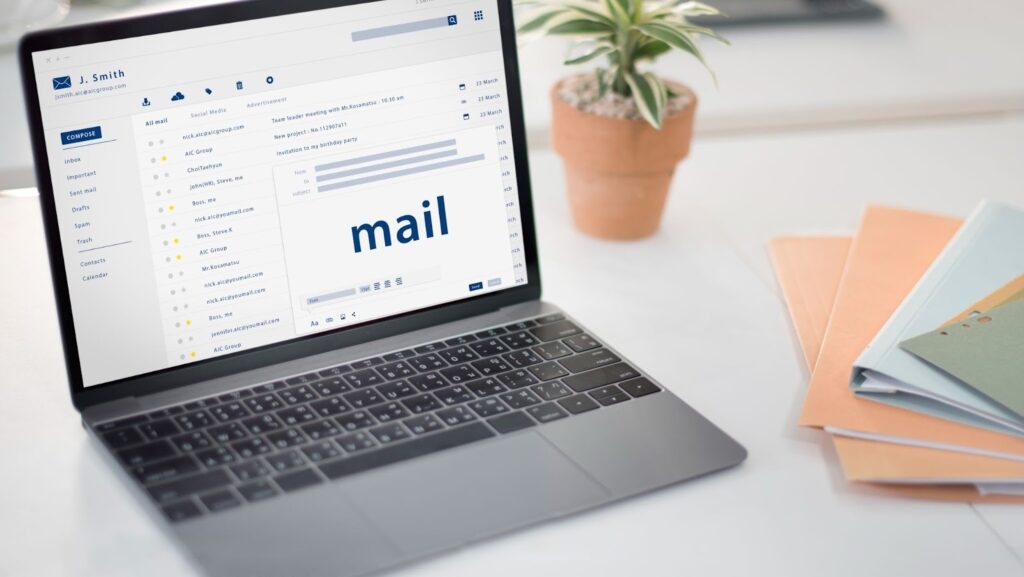
Email and messaging platforms place practical limits on document delivery. File size restrictions apply, and some elements may not display as intended once a file leaves its original software environment.
Creating a PDF online helps avoid these issues by converting documents into a format built for reliable viewing. Layout and pagination remain consistent across devices, which makes files easier to open and review in email and messaging apps and reduces the need for follow-up corrections.
Situation 2: Formal Submissions and Online Forms
Many organisations specify PDFs for submissions because they offer predictable display and controlled structure. Job applications, academic assignments, tenders and government portals often reject files that fail to meet format requirements.
Online PDF creation simplifies compliance with these expectations. Source files convert into a format that respects page limits, margins and orientation. This reduces rejection risks and saves time during resubmission. When documents must pass automated checks or human review, a well-structured PDF signals professionalism and readiness.
Situation 3: Contracts, Agreements and E-Signatures
Agreements depend on clarity and trust. Layout shifts, missing pages or inconsistent formatting can slow negotiations or raise concerns about accuracy.
PDFs support contract workflows by keeping documents stable from preparation to signature. Online creation prepares agreements for electronic signing without producing multiple versions. Each change applies to the same file, which preserves transparency. This structure also helps reviewers focus on terms and content instead of layout issues or version confusion.
Situation 4: Distributing Reports and Presentations Within Teams
Internal documents usually pass through review, feedback and approval stages rather than one-time delivery. Files are revisited across meetings and devices, which makes consistency important. Even small layout differences can slow understanding and trigger unnecessary clarification.
A stable document format gives teams a shared point of reference. Reports and presentations appear the same for every reviewer, which keeps discussions centred on content instead of formatting. Aligned versions also help feedback remain consistent and decisions move forward without delay.
Typical team-focused examples include:
- Operational and performance reports: Clear layouts support comparison and quick interpretation of data.
- Internal presentations and briefings: Slide order, spacing and visuals stay intact during review.
- Reference and guidance documents: Policies, schedules and instructions remain readable across departments.
By keeping structure consistent during collaboration, teams avoid parallel edits, reduce version confusion and coordinate more smoothly.
Situation 5: Archiving and Long-Term Storage
Documents kept over time need a format that stays readable as software and platforms change. Editable files often lose compatibility, which can make older records difficult to open or review.
A consistent PDF format supports archiving by preserving structure and layout independently of specific tools. This consistency also makes stored files easier to locate and review months or years later, which is important for record keeping.
Situation 6: When Several File Types Need One Final Version
Everyday work often starts with information spread across multiple formats. Text drafts arrive as Word files, data sits in spreadsheets and images live in separate folders. Reviewing or sharing these files individually creates friction and increases the chance that important context gets overlooked.
Creating a PDF online allows multiple sources to merge into a single, ordered document. Page sequence, orientation and spacing remain consistent, which helps the final file read as one coherent piece rather than a set of attachments. When structure and clarity matter more than edit access, consolidation through a single PDF offers a simpler and more reliable outcome.

PDFs for Practical, Everyday Work
Most document problems do not come from complex requirements. They appear when files move faster than expected, pass through multiple hands or need to work across different tools and screens. In those moments, predictability matters more than flexibility.
A consistent format supports that predictability by keeping information readable, organised and ready for its next step. When documents behave as expected, less time goes into fixing layout issues or clarifying versions, and more attention stays on decisions, review and delivery. That quiet reliability is what makes this format a natural choice for everyday document tasks.
