

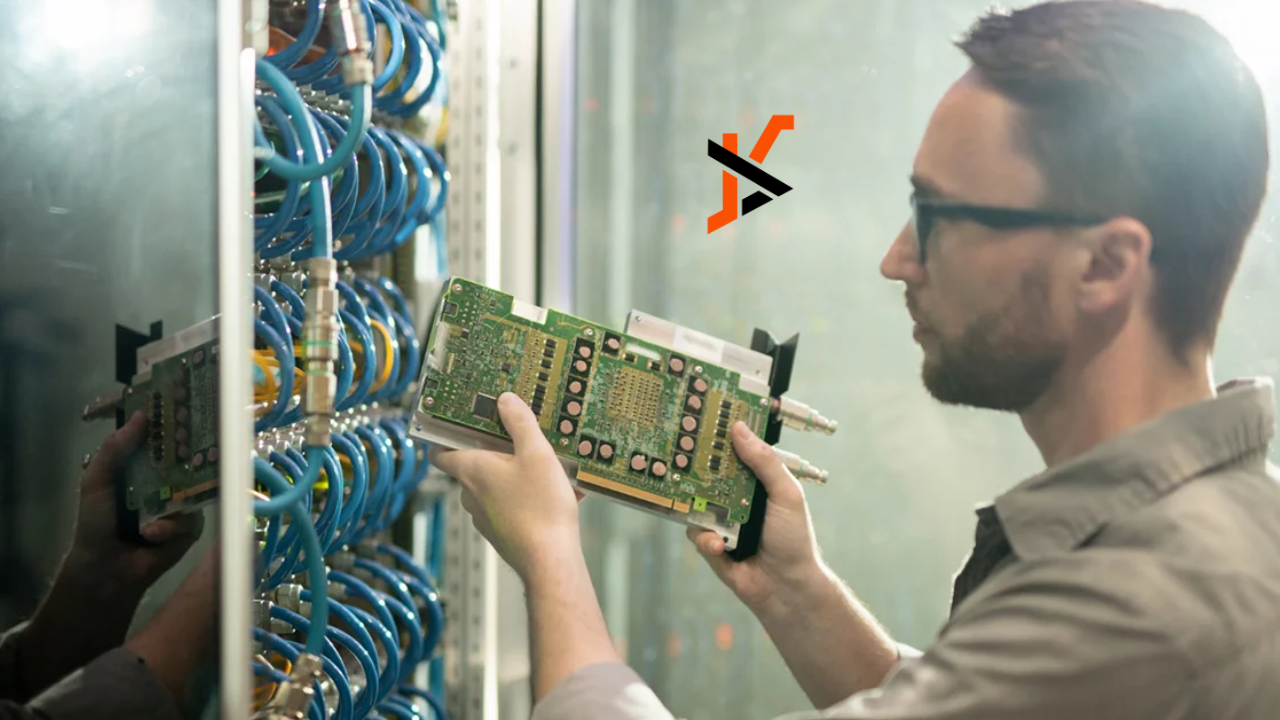
If you manage IT gear, you know how quickly servers, switches, and storage stacks pile up after a refresh. Letting them sit in a closet is risky; tossing them in the trash is worse. Recycling network equipment and servers is the smarter path—protecting data, cutting clutter, recovering value, and supporting sustainability. Here’s a clear, no-jargon guide to why it matters and how to do it right.
What “Network Equipment” Really Includes
When we say “network equipment and servers,” we’re talking about more than just rackmount boxes. This category usually covers:
- Servers, blades, and storage arrays (NAS/SAN)
- Switches, routers, firewalls, load balancers, and wireless access points
- Racks, PDUs/UPS units, optics/transceivers, cables, and phone/VoIP gear
- Laptops, desktops, and backup media often collected during the same project
Most of these items hold either data or valuable materials—two big reasons to recycle responsibly.
The Top Reasons to Recycle IT Hardware
1) Protect Sensitive Data
End-of-life hardware can still contain recoverable information. Recycling with a qualified provider ensures drives and other media are wiped or destroyed according to your internal policy, with verifiable documentation and chain-of-custody from pickup to final processing. That lowers the risk of data exposure, audit headaches, and reputational harm.
Qualified and trusted electronic recyclers, like R2 Recycling, ensure that all data is completely destroyed and never resold. Call R2 Recycling below to ensure that your networking equipment is compliantly recycled.
R2 Recycling – PA
500 W Office Center Dr, Fort Washington, PA 19034
(215) 770-4588
[About R2 Recycling]
2) Reduce Environmental Impact
Servers and network gear are built with metals, plastics, glass, and circuit boards that shouldn’t end up in a landfill. Responsible recycling keeps those materials in the manufacturing loop and out of the waste stream. It’s a practical way to support your company’s sustainability goals without changing how you operate day to day.
3) Recover Value and Control Costs
Not everything needs to be shredded. Many assets have resale or parts value. A reuse-first recycler can harvest working components, refurbish salable units, and offset parts of your project costs. Even when equipment isn’t remarketable, material recovery helps reduce overall disposal spend.
4) Strengthen Compliance and Reputation
Many jurisdictions regulate how electronic equipment and data-bearing devices must be handled. Working with a recycler that follows documented processes makes compliance straightforward and defensible. That professionalism reflects well on your brand with customers, partners, and stakeholders.
5) Clear Space and Improve Safety
Retired gear takes up valuable room in data centers, IDF/MDF closets, and storage cages. Recycling projects often include de-racking, cable removal, and site cleanup—freeing space and lowering fire and trip risks.
How Proper Recycling Works (End-to-End)
- Scope & Inventory
You share locations, quantities, device types, and timelines. The recycler captures make/model/serials and identifies data-bearing devices. - Secure Logistics
Technicians de-install, de-rack, and pack equipment for transport. Chain-of-custody starts here and stays unbroken through final processing. - Data Handling
Drives and other media are wiped or physically destroyed per your policy. You receive documentation confirming each action. - Reuse First, Then Recycle
- Testing & refurbishment: Working units and components are remarketed.
- Parts harvesting: Useful parts are pulled for repair channels.
- Demanufacturing: Remaining material is separated into metal, plastic, glass, and circuit boards for downstream recycling.
- Reporting
You get a report that typically includes an overview of the materials that were collected and recycled. Keep this for audits and internal ESG reporting.
Choosing the Right Recycling Partner
- Data-destruction clarity: They should explain their wiping and physical-destruction options in plain language and match your policy.
- Documentation you can use: Expect a certificate of recycling that details the overview of the equipment they recycled.
- Transparent processing: Ask where materials go next and how they’re processed.
- Reuse-first mindset: Prioritize partners that maximize refurbishment and parts recovery before recycling.
- Hands-on project support: Look for de-racking, cable management, palletization, and site sweep capabilities to keep your team focused on core work.
Common Triggers for a Recycling Project
- Hardware refresh or cloud migration: Old racks and arrays are ready for retirement when you move workloads.
- Data-center consolidation: Mergers or footprint reductions generate large volumes of decommissioned gear.
- Office closure or move: IDF/MDF closets accumulate devices that need proper disposition.
- Security policy updates: Tighter data policies often require physical destruction of legacy media.
Myths and Mistakes to Avoid
- “We already wiped the drives, so we’re done.”
Without documentation, you still carry risk. Make sure the process is recorded and verifiable. - “We’ll sell everything online ourselves.”
Ad-hoc resale is time-intensive and can expose data or create shipping/liability issues. Professional recycling is faster and safer. - “We’ll store it as spares.”
Spares become forgotten liabilities. If you truly need spares, set a review date and recycle the rest. - “It’s fine to toss the small stuff.”
Cables, optics, and small devices add up. They’re recyclable and often contain recoverable materials.
A Simple Checklist for IT Leads
- Identify all data-bearing devices (servers, arrays, laptops, external drives, phones).
- Decide which assets are candidates for reuse/remarketing vs. recycling.
- Align on your data-destruction policy (wipe, shred, or a mix based on device type).
- Confirm documentation you’ll receive (serial lists, destruction and recycling confirmations).
- Plan for logistics: de-install, packing, loading, and site cleanup.
- Consolidate pickups to reduce per-unit handling and keep costs predictable.
FAQs
Do we have to physically destroy every drive?
Not necessarily. Many organizations choose wiping for certain devices and shredding for others. Follow your internal policy and risk tolerance.
What about backup media and tapes?
Treat them as data-bearing and handle them under the same documented process as drives.
Will this disrupt our operations?
A good provider works around maintenance windows, coordinates with your staff, and keeps the process orderly and quick.
The Bottom Line
Recycling network equipment and servers is about security, responsibility, and efficiency. You protect sensitive data, keep valuable materials in circulation, simplify compliance, and reclaim space—often with some cost recovery along the way. Build recycling into your hardware lifecycle plan, partner with a qualified provider, and turn end-of-life IT gear into a clean, well-documented win for your organization.
