

How Do I Add a Payment Method for Social Media Ads?
The moment you decide to run paid social ads, every platform asks the same question:
“How would you like to pay?”
It looks simple — add a card, click save, and you’re done. But if you’re running campaigns for a brand, clients, or multiple projects, that one field in the billing settings quietly becomes a point of risk and complexity.
Here’s how to add payment methods to major social platforms safely, and how to architect things so you don’t regret the card you choose three months from now.
Step 1: Pick the Right Type of Payment Instrument
Most platforms (Meta, TikTok, LinkedIn, X) support:
- Credit or debit cards
- PayPal (in some regions)
- Direct debit/bank account (for invoices)
For small, solo campaigns, your personal card might seem easiest. But as soon as you:
- Run campaigns in multiple currencies
- Work with a team or freelancers
- Manage spend for several brands or clients
…mixing everything on one card becomes a problem.
That’s why more marketers are turning to dedicated virtual cards or separate business cards just for ads. They allow you to:
- Isolate spend per project or client
- Set clear limits
- Disable or replace cards instantly if something looks off
Step 2: Add a Payment Method on Major Platforms
The exact steps vary by platform, but the pattern is similar.
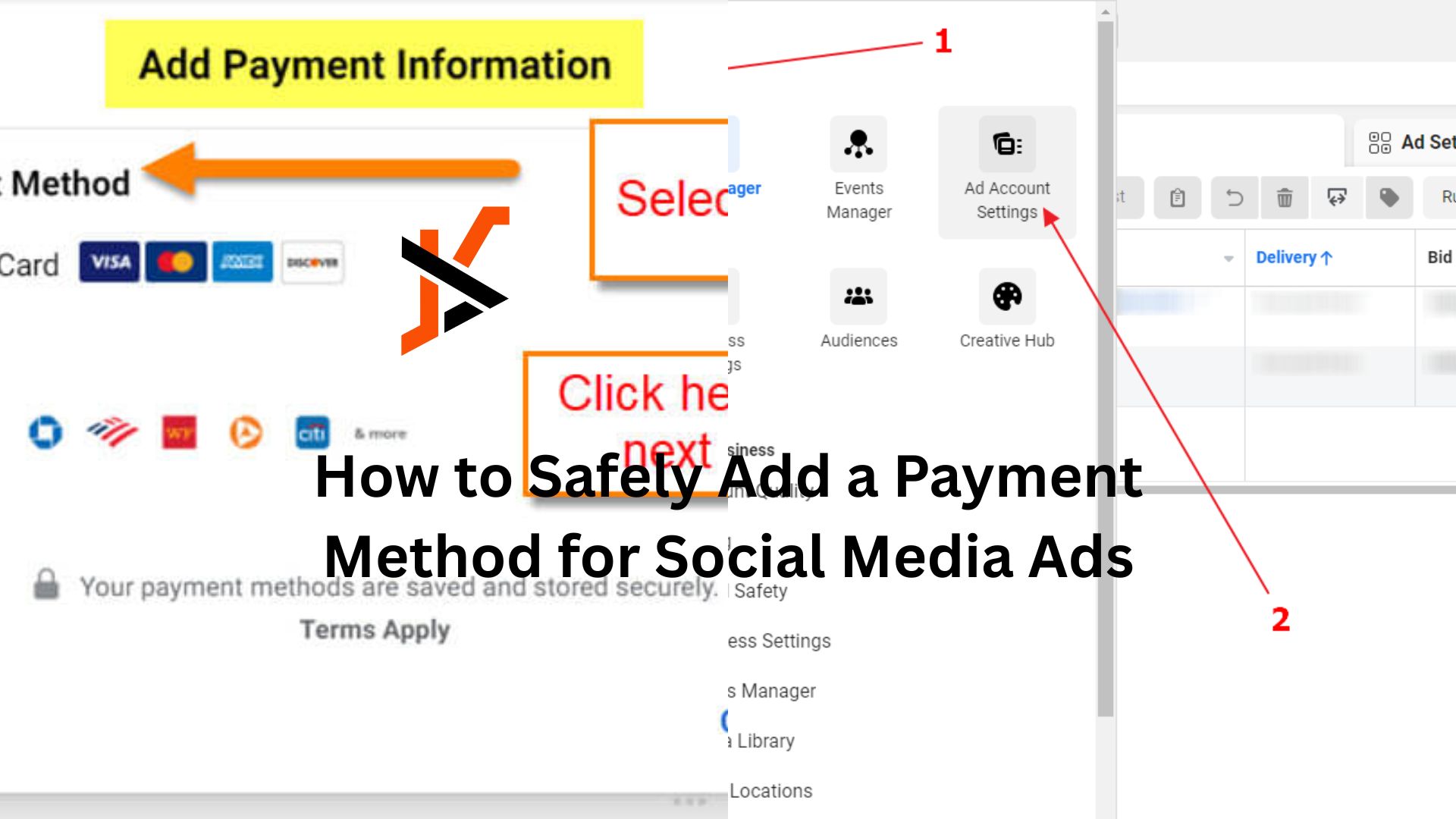
On Meta (Facebook & Instagram)
- Go to Settings in Ads Manager or Business Manager
- Find Billing or Payment Settings
- Click Add Payment Method
- Enter card details, billing address, and currency
- Save and assign it as primary or backup
On TikTok Ads
- Open the Ads Manager and go to Billing
- Choose your Payment Type (manual or automatic)
- Add card details or top up the balance
- Confirm via 3D Secure if required
On LinkedIn and X
The flow is similar: billing or payment settings → add payment method → confirm.
The key is to double-check:
- Currency settings (they’re often hard to change later)
- Whether you’re on prepaid (top-up) or post-paid (auto-charge) terms
- Which ad accounts within a business manager are linked to which payment method
Step 3: Separate “Experiment” Money from “Keep the Lights On” Money
Once you’ve added a card, it’s tempting to attach every campaign to that same method.
Instead, think in buckets:
- Always-on campaigns that drive reliable revenue
- Experimental campaigns testing new audiences or creative
- Seasonal spikes or promos
If everything hits the same card and that card fails, your best-performing campaigns will pause right when you need them most.
Using multiple cards — especially virtual ones — lets you ring-fence budget. For example, you might:
- Keep core campaigns on one card with a higher limit
- Put experiments on a separate Finup card with a strict cap, so testing can’t accidentally overspend
That way, experimentation doesn’t put your main revenue engine at risk.
Step 4: Control Access Without Sharing Card Details
Security isn’t just about fraud; it’s also about how your team works.
On most platforms, you can:
- Give team-mates roles that allow them to create and manage campaigns
- Restrict who can view or edit billing details
- Use business manager structures to control which ad accounts use which payment methods
Avoid sending card numbers over chat or email. Instead:
- Have an admin add the card directly into the platform
- Assign it to the relevant ad account(s)
- Give marketers and agencies the access they need to run campaigns without ever seeing the underlying card details
This is another area where using dedicated virtual cards makes life easier: you’re not exposing the card that pays your company rent and software just to run a few tests.
Step 5: Review Billing Settings Regularly
Payment settings aren’t “set and forget.”
Every month or quarter:
- Check which cards are attached to which accounts
- Remove old or unused methods
- Confirm that backup methods are valid in case a primary card fails
- Make sure card limits still match your actual budgets
If your marketing and finance teams both know where to look, a quick review can prevent unpleasant surprises.
Adding a payment method to your social ad platform is easy. Adding it in a way that’s safe, scalable, and aligned with how you really operate as a team takes a bit more thought — but that extra step is what keeps your campaigns running smoothly when you’re spending real money at real speed.
