

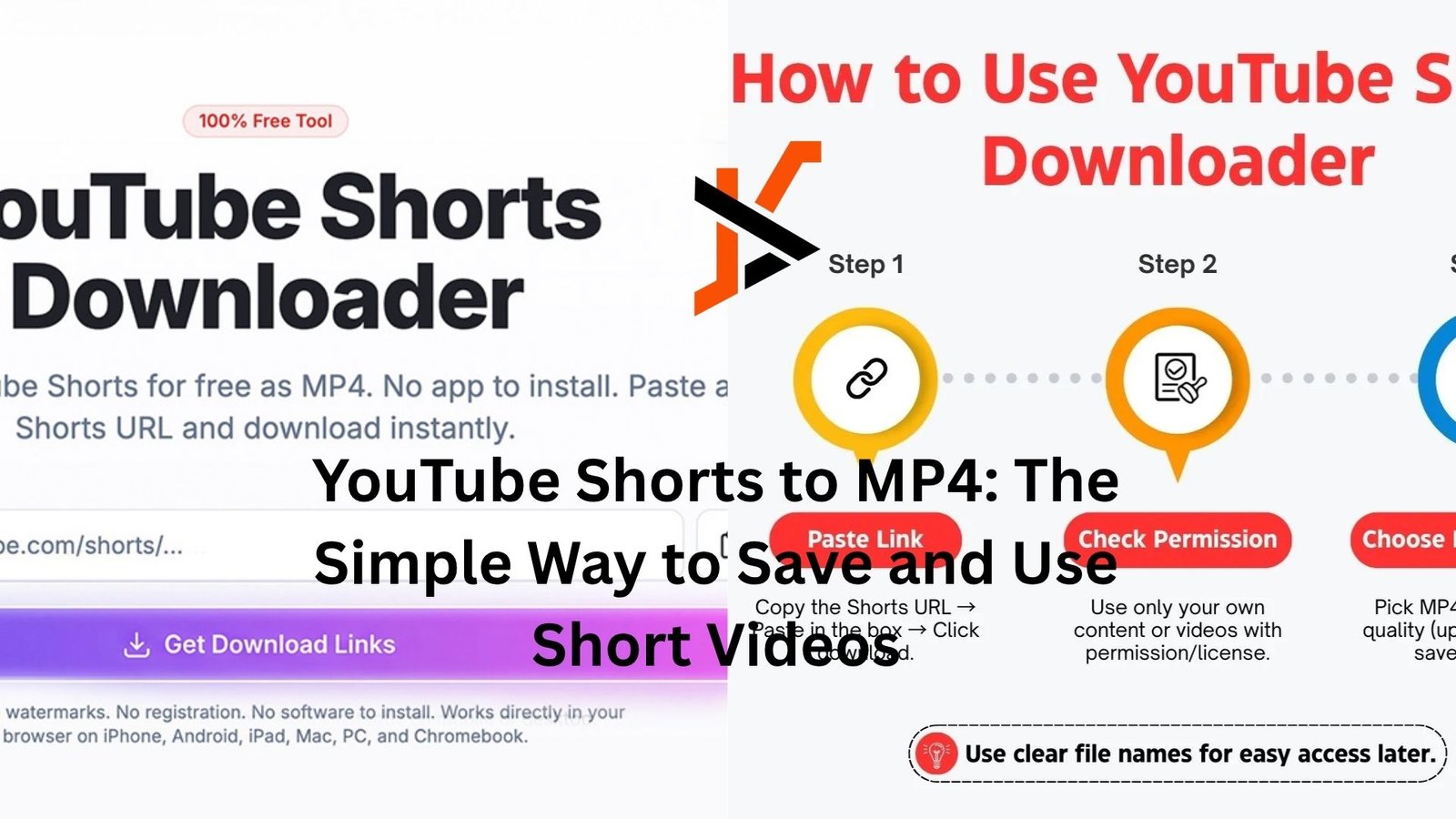
Scroll long enough on YouTube Shorts and you’ll eventually hit that moment: I need to save this. Maybe it’s a quick recipe you actually want to try. Maybe it’s a clever edit you want to study. Or maybe it’s just a clip that’s too good to lose in the endless scroll.
But here’s the thing—YouTube doesn’t make it obvious how to download Shorts as MP4 files. And that’s where people start looking for workarounds.
Let’s break it down in a way that actually makes sense, without overcomplicating things.
Why people want YouTube Shorts as MP4 files
Shorts are designed to be disposable. You watch, you swipe, you forget. That’s the whole model.
But real life doesn’t work like that.
Sometimes you want to keep a video for offline use. Maybe you’re traveling and won’t have internet. Maybe you’re a creator collecting inspiration. Or you might be saving clips for a presentation, a class, or even just to share with someone who doesn’t use YouTube.
MP4 is the go-to format because it works almost everywhere. Your phone, laptop, editing apps—no drama, no compatibility issues. It’s simple and reliable.
And honestly, that’s the appeal. No one wants to fight file formats just to watch a 30-second video.
What makes Shorts a bit tricky
At first glance, downloading a Short should be no different than downloading any other video. But it is.
Shorts are technically just regular YouTube videos—but they’re wrapped in a different interface. Vertical format, under 60 seconds, autoplay feed. That design hides the usual download options unless you’re using YouTube Premium, and even then, downloads stay inside the app.
So if you want an actual MP4 file sitting on your device, you need to step outside YouTube’s ecosystem.
That’s where tools and methods come in—but not all of them are worth your time.
The common ways people convert Shorts to MP4
There isn’t just one method. People use a mix of tools depending on what’s easiest at the moment.
Some go with browser-based converters. You paste the link, click download, and get an MP4 file in seconds. It’s quick, no installation needed, and works on both phone and desktop.
Others prefer apps. These usually offer more control—resolution options, batch downloads, sometimes even built-in editing. But they come with the usual trade-offs: storage space, updates, and occasionally annoying ads.
Then there’s the manual route. Screen recording.
It sounds basic, but it works surprisingly well. Open the Short, record your screen, trim the clip, and you’re done. No links, no tools, no risk of shady websites.
It’s not perfect—quality can drop, and you might capture UI elements—but for a quick save, it gets the job done.
A quick reality check on quality
Here’s something people don’t always realize: you can’t magically improve a video’s quality by converting it to MP4.
If the original Short is 720p, that’s your ceiling. Some tools will offer “1080p” or higher, but that doesn’t mean the video actually becomes sharper. It’s just scaling.
So if quality matters—say you’re using clips in a project—pick a tool that preserves the original resolution instead of pretending to upgrade it.
And always preview the file if you can. A 30-second check saves a lot of frustration later.
Real-life moment: when this actually matters
Imagine you’re putting together a quick presentation for work. You remember a Short that perfectly explains a concept—simple visuals, clear explanation, under a minute.
You go back to find it… and it’s gone. Or buried under hundreds of similar videos.
If you had saved it as an MP4, it would already be sitting in your folder, ready to drop into your slides.
That’s the difference. Convenience now vs. regret later.
Legal and ethical gray areas (worth knowing)
Let’s not ignore this part.
Downloading YouTube content isn’t always straightforward from a legal standpoint. It depends on how you use it.
Saving something for personal offline viewing? That’s generally low-risk and pretty common.
Re-uploading someone else’s Short, using it in your own content, or distributing it without permission? That’s where problems start.
A good rule of thumb: if you didn’t create it, don’t treat it like you did.
And if you’re using clips in a project—especially something public—give credit or get permission when it matters.
Choosing a method without overthinking it
Most people don’t need a “perfect” solution. They just need something that works consistently.
If you’re on your phone and want speed, a browser-based converter is usually enough.
If you download often, an app might save time in the long run.
If you only need a clip once in a while, screen recording is honestly underrated.
The mistake people make is chasing the “best” tool instead of the one that fits their situation.
Simple beats perfect almost every time.
Small details that make a big difference
A few things that don’t seem important—until they are.
File names, for example. Many downloaded Shorts come with random strings of characters. Rename them right away. Future you will appreciate it.
Storage adds up faster than you expect. Shorts are small, but dozens of them pile up. Clean out what you don’t need.
Audio matters too. Some converters strip or compress sound. If the clip relies on music or voice, double-check before you delete the original link.
These aren’t big issues individually, but together they can turn a smooth process into a messy one.
Why this keeps getting more popular
Short-form video isn’t slowing down. If anything, it’s becoming the default way people consume content.
That means more valuable information, ideas, and creativity packed into tiny clips.
And naturally, more people want to keep those clips.
Not everything needs to live online forever. Sometimes you just want control over what you watch and when you watch it.
That’s really what converting YouTube Shorts to MP4 is about. Control.
A more practical mindset going forward
Instead of downloading everything you like, be selective.
Save the things you’ll actually use. A tutorial you plan to follow. A clip you want to reference. Something that solves a problem.
Otherwise, you end up with a folder full of videos you’ll never open again.
It’s the same trap as taking hundreds of photos you never look at.
Be intentional. It makes the whole process feel less cluttered.
Final thoughts
Turning YouTube Shorts into MP4 files isn’t complicated—but it’s one of those small skills that quietly becomes useful over time.
Once you know how to do it, you stop worrying about losing content. You stop relying on algorithms to resurface things. You keep what matters, on your terms.
And that’s the real win here.
Not the file format. Not the tools.
Just having your own copy when you need it.

