

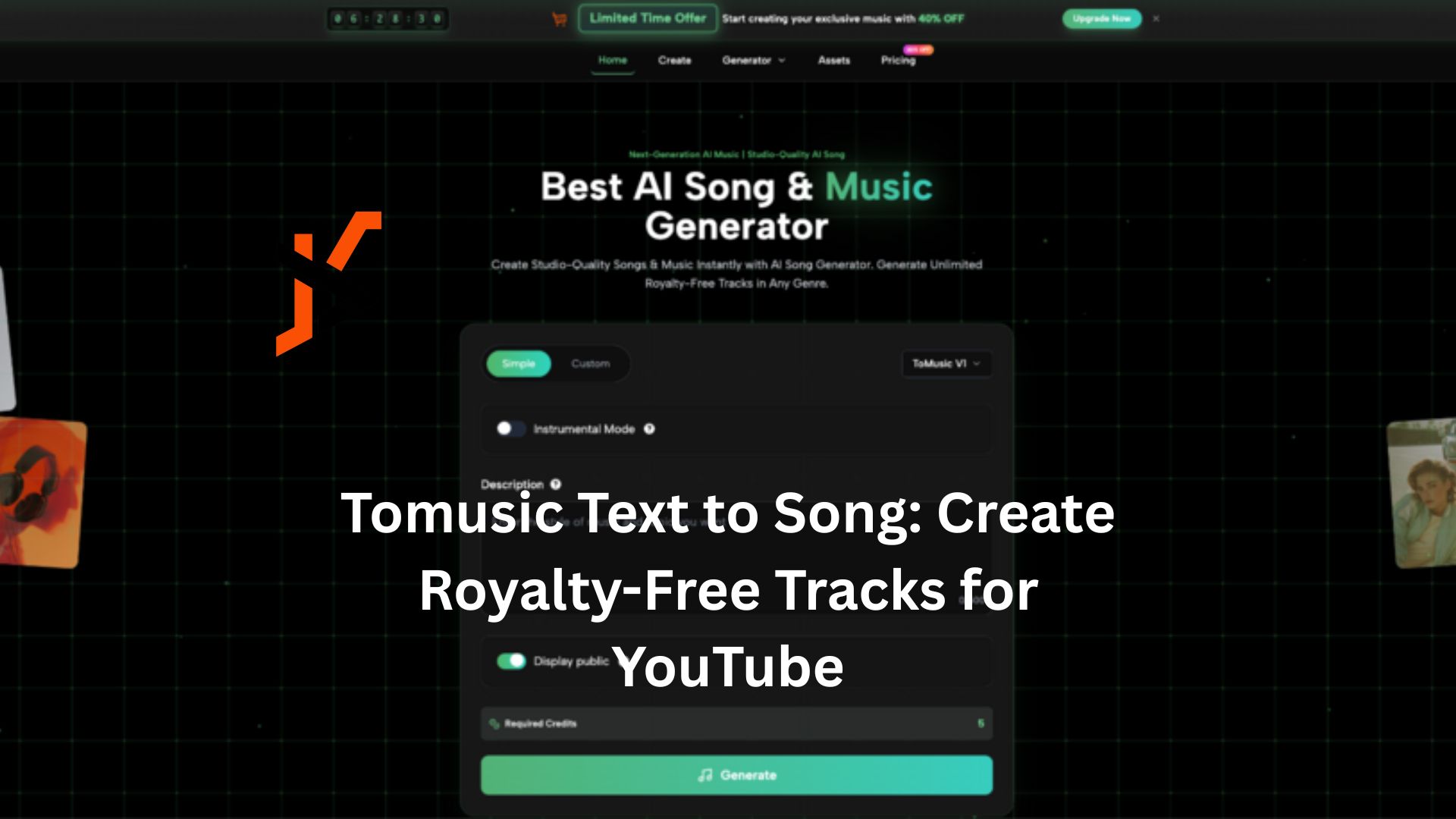
Every content creator knows the struggle: you have edited the perfect video, but finding the right background music feels like searching for a needle in a haystack. Traditional stock libraries are often generic, expensive, or plagued by complex licensing rules that risk copyright strikes.
Tomusic Text to Music changes this narrative completely. It is an innovative AI platform designed to transform your creative ideas into professional, royalty-free music instantly. By turning simple text descriptions into full musical compositions, Tomusic acts as a creative accelerator, allowing you to produce unique soundtracks that perfectly match the vibe of your content.
Why Choose Text to Song in ToMusic?
In the crowded landscape of AI tools, ToMusic stands out by focusing on quality and creator empowerment. It is not just about generating noise; it is about crafting songs that tell a story.
- High-Fidelity Audio & Real Vocals: Unlike basic loop generators, ToMusic emphasizes high-quality audio output. It uses advanced AI models to create tracks with realistic instrumentals and expressive vocals, ensuring your video sounds professional.
- A Creative Accelerator: The platform is built to assist, not replace, human creativity. Whether you need a “cinematic opening for a travel vlog” or a “relaxing lo-fi beat for a study stream,” the AI interprets your intent to speed up your workflow.
- Solved Copyright Headaches: For YouTubers, safety is paramount. The platform provides a secure environment to generate music that is free from the copyright ambiguity often associated with using popular tracks.
Functions of Tomusic Text to Song Generator
ToMusic distinguishes itself with a deep feature set designed for both casual creators and professional producers. Its capabilities are categorized into four distinct areas that solve real-world production problems.
- Four Specialized AI Models
The platform doesn’t just use one engine; it offers four distinct models tailored to different needs. This allows creators to iterate and choose the best fit for their specific video:
- V4 (Expression & Control): Best for full songs. It emphasizes realistic, expressive vocals and offers the strongest adherence to your creative controls.
- V3 (Complexity): Focuses on rich harmonies and complex rhythmic structures, ideal for engaging background scores.
- V2 (Atmosphere): leaned towards longer, atmospheric, and cinematic creations. This is often the go-to for travel vloggers or documentary makers.
- V1 (Speed & Efficiency): Designed for rapid generation (up to 4-minute songs), perfect for quick background tracks or social media shorts.
- Simple vs. Custom Generation Modes
The workflow is split to match your expertise level. You can use Simple Mode, where you describe a vibe (e.g., “sad piano for a rainy scene”) and let the AI handle the rest—perfect for when you need quick results. Alternatively, Custom Mode gives you granular control, allowing you to input specific lyrics and tweak fine parameters to match a precise vision.
- Professional Lyric Structure Control
Unlike basic tools that randomize lyrics, the Text to Music AI engine supports professional songwriting structures. In Custom Mode, you can use tags like [Verse], [Chorus], [Bridge], [Intro], and [Outro] to guide the generation. This ensures the song flows logically, with the chorus hitting exactly when your video reaches its climax.
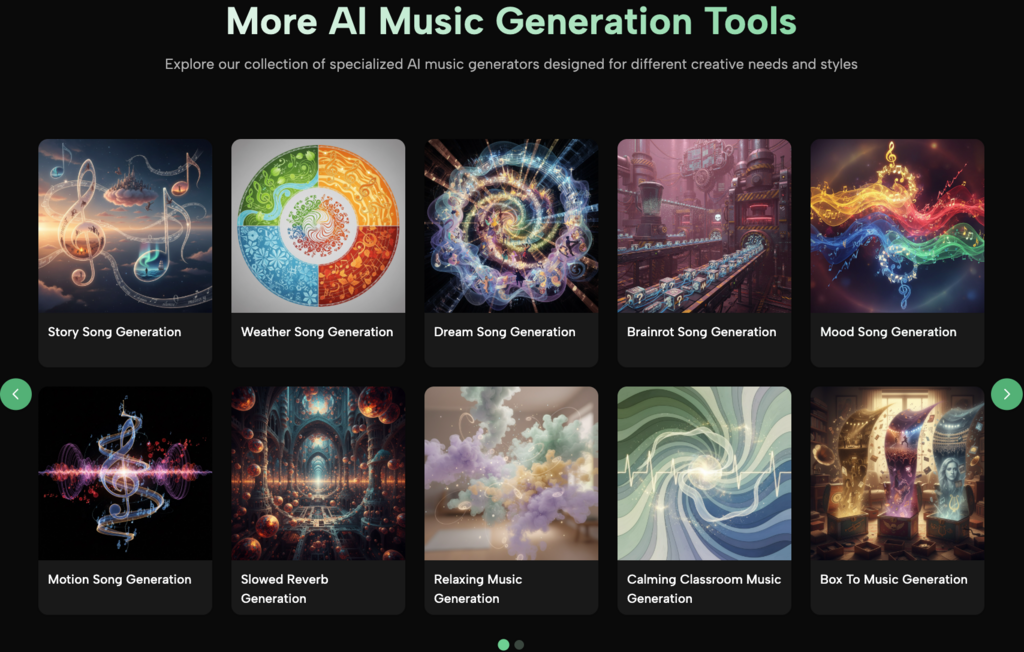
- Scenario-Specific Generators
As shown in the platform’s diverse menu, ToMusic offers specialized generators pre-tuned for specific YouTube niches. Instead of writing complex prompts, you can use dedicated tools such as:
- Vlog Music Generator: Optimized for lifestyle and travel content.
- Story To Music Generator: Perfect for narrative videos and storytelling channels.
- Slowed and Reverb Generator: Ideal for creating trendy, aesthetic background audio for Shorts and TikToks.
- Relaxing / Music to Sleep by: Great for creating long-form ambient content or study-with-me videos.
- Mood To Music: Quickly matches the emotional tone of your footage.
How to Generate Custom Tracks in 3 Steps
One of ToMusic’s core strengths is its low barrier to entry. The interface is highly visual and template-based, allowing anyone—regardless of musical training—to create professional tracks in minutes.
- Input Your Prompt or Lyrics
Start by typing a descriptive text prompt. You can describe a specific scenario (e.g., “upbeat jazz for a cooking tutorial”) or input specific lyrics you want the AI to sing using the structural tags mentioned above.
- Select Style and Parameters
Customize the output to fit your timeline. You can set the custom track duration and choose the specific Model (V1-V4) that fits your needs. This is particularly useful for matching the length of your video intro or outro without awkward cuts.
- Generate and Iterate
Click generate and listen to the result. If it needs tweaking, the platform supports iterative adjustments. Once satisfied, you can manage your files in the Assets library and download them in high-quality WAV or MP3 formats, ready for your editing software.
Pricing and Copyright: What YouTubers Need to Know
For creators, the value of an AI tool ultimately comes down to two things: cost and commercial safety. ToMusic offers a transparent model that is highly favorable for YouTube monetization.
Royalty-Free Commercial Use
The most significant benefit is that the music generated is royalty-free. ToMusic explicitly grants commercial usage rights, meaning you can monetize your YouTube videos, run ads, or use the tracks in client work without fear of copyright strikes or demonetization.
Flexible Plans for Every Budget
- Free Plan: Ideal for beginners, this plan allows you to generate up to 4 minutes of music using the V1 model. Uniquely, even the free plan allows for commercial use and downloads, making it risk-free to try.
- Starter & Unlimited Plans: For heavy users, upgrading unlocks the advanced V4 model for superior audio quality. These plans allow for longer tracks (up to 8 minutes), priority generation queues, and unlimited storage, ensuring your workflow remains uninterrupted.
Conclusion
Tomusic.ai offers a powerful, user-friendly solution for the modern creator’s dilemma. By combining advanced text-to-song technology with secure commercial licensing and specialized tools for vlogging and storytelling, it empowers YouTubers to take control of their audio identity. Whether you are looking to save money on stock subscriptions or simply want a soundtrack that is as unique as your video, ToMusic provides the tools to turn your words into music instantly.
