

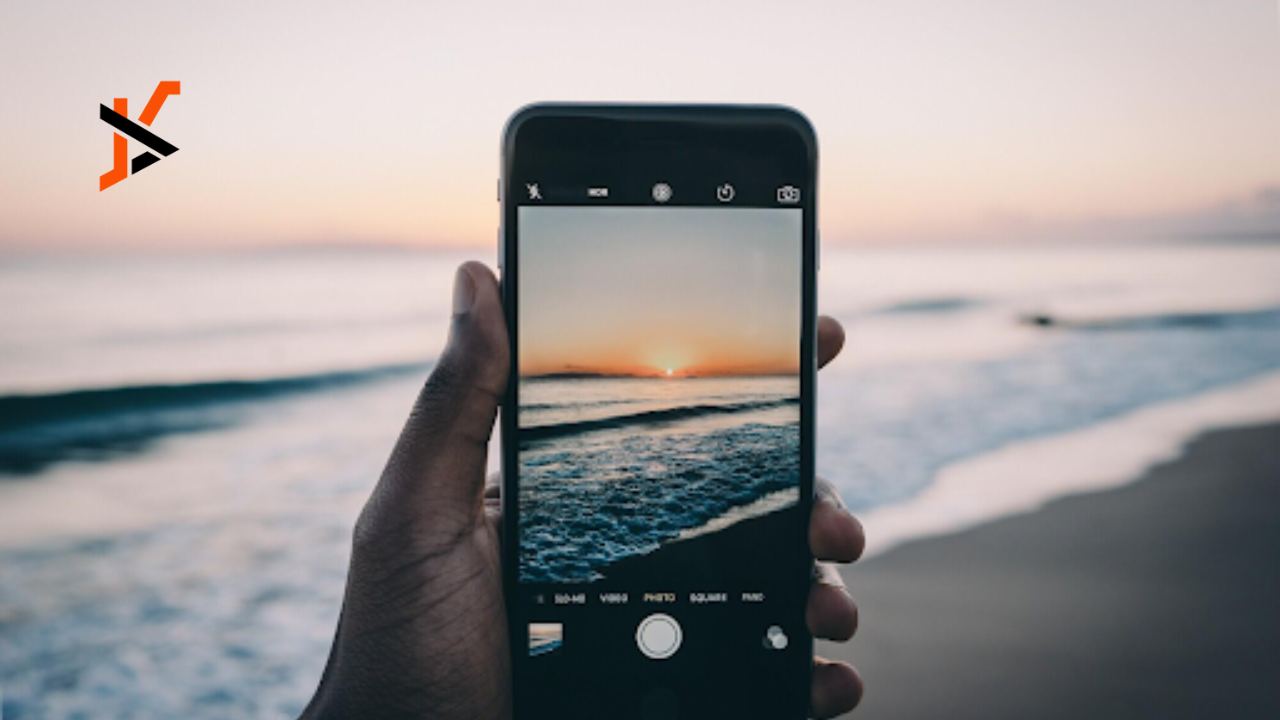
Resizing images is a basic but important skill for anyone working with photos. An image that is too large may slow down loading times on websites. An image that is too small may look blurry or pixelated.
Finding the right balance in size helps keep images sharp while maintaining efficiency. It also makes them more adaptable for different platforms and uses.
Learning how and when to adjust images improves the way they look and function. To explore this further, here are situations where it makes sense to change image size and why it matters.
Improving Website Speed
Large images often slow down the speed of a website. A site that loads slowly can frustrate visitors. This can lead to fewer people staying on the page. Resizing images to smaller dimensions helps fix this.
It reduces the file size without losing too much quality. This makes the website easier to use. Search engines also reward fast sites with better rankings. For businesses, this small step can improve visibility. Optimizing images is one of the simplest ways to improve site performance.
Adjusting for Social Media Platforms
Each social media platform has its own preferred image size. Posting the wrong size may crop important parts of a photo. This can make the content look unprofessional. Adjusting images before uploading ensures they display correctly.
It helps maintain clarity and balance in how the image appears. This gives the account a more polished look. People are more likely to engage with content that looks clean. Proper sizing also avoids distortion. It keeps the focus on the message of the post.
Preparing for Print Materials
Images that look good on screens may not look right when printed. Printers often require higher resolution for clarity. Small images stretched to print size can look grainy. Resizing ensures the photo meets the required print standards.
This helps create sharp brochures, posters, or flyers. Without resizing, colors and details may not appear correctly. A professional finish depends on the correct image size. Resizing before printing avoids costly reprints. It ensures materials look professional and presentable.
Saving Storage Space
Large image files take up more storage on devices. This can quickly fill up phones, computers, or cloud space. Resizing images to smaller sizes saves storage. It keeps file management simple and organized.
Smaller files are also easier to send through email or messaging. They upload faster when shared online. For personal use, this makes storing photos more practical. For business use, it helps manage digital libraries better. Over time, resizing saves both space and time.
Matching Image to Design Layouts
Design layouts often need images of specific dimensions. Using the wrong size can disrupt the balance of a design. This can make the layout look cluttered or incomplete. Resizing helps fit images neatly into templates.
It ensures all elements align correctly. This is especially important in presentations, ads, or product displays. Consistency makes the design look professional. It also keeps the focus where it belongs. A resized image helps achieve this clean and balanced look.
Avoiding Distortion in Enlargements
When images are enlarged without proper resizing, they often look blurry. This happens because the pixels stretch too far. The photo loses sharpness and clarity. Resizing helps maintain quality when adjusting to larger formats.
It adds the needed resolution for better results. This way, posters and banners look sharp instead of fuzzy. People notice the difference right away. A well-sized image makes a strong impression. Proper resizing keeps visuals professional and clear.
Email Attachments and Sharing
Emails often have limits on attachment sizes. Large image files can be difficult to send. This may cause delays or errors in delivery. Resizing keeps images within acceptable limits. It makes sharing fast and convenient.
Recipients can download and view them easily. Smaller file sizes also reduce loading times in email previews. This improves communication. Resized images make sharing across platforms simple and effective.
Preparing for Online Stores
Product photos are key in online selling. Images that are too big slow down the site. Images that are too small may not show details. Resizing ensures photos are the right balance of size and quality. This helps shoppers view products clearly.
It also keeps the store pages fast and easy to navigate. Clear images build trust with customers. They increase the chances of sales. Properly resized photos give products a professional and reliable appearance.
Better Mobile Viewing
Many people now browse online using mobile devices. Images that are too large may not load well on smaller screens. This can make the site hard to use. Resizing images for mobile makes them load faster.
It ensures they fit properly within the display. This improves user experience. People are more likely to stay on the page. It also helps save mobile data usage. Mobile-friendly images are essential for today’s digital audience.
Creative Projects and Editing
Editing projects often need images at specific sizes. If the size is wrong, the project may not come together. Resizing gives more control during the creative process. It makes layering and arranging simpler.
Collages, digital art, or scrapbooks benefit from proper image sizing. The project flows more smoothly when each piece is consistent. Resizing avoids uneven gaps or overlaps. It allows the creative idea to shine. Knowing how to change image size is useful for both simple and advanced projects.
Preparing Images for Backup
People often back up photos to external drives or cloud storage. Large files take longer to upload. They also require more space. Resizing before backup makes the process faster.
It allows more photos to be stored in the same space. This keeps storage costs lower over time. It also makes organizing files easier. Smaller, resized images can be managed more efficiently. Backups become quicker and more reliable.
Know When and Why You Should Change the Size of an Image
Resizing images is an easy step with a big impact. It improves the way images look and perform across different uses. From websites to print, proper sizing makes a difference. It helps save space, time, and effort. It also makes designs and projects more professional.
Knowing when to adjust size keeps images versatile. Small adjustments bring big results. By resizing carefully, images work better everywhere. This simple practice makes visuals stronger and more effective.
To read more, check our blog. We have more topics!
