

Highlights
- Turn your notes into summaries, flashcards, quizzes, and audio, fast.
- Practice recall with instant flashcards and quizzes instead of just re-reading.
- Keep notes, files, and study tools together in one AI Workspace.
- Find class-matched resources by school and course code.
Exams can feel overwhelming when notes pile up, deadlines close in, and it’s hard to know where to start. Many students still reread chapters and highlight lines because it feels productive, but that routine rarely leads to confident recall on test day.
A 2025 study by the National Library of Medicine shows that active recall and spaced practice help you remember more than rereading the same page. Short quizzes, quick explanations, and frequent check-ins give your brain the challenge it needs to keep information longer.
Studocu’s AI tools help you move from busywork to real learning. Upload a file once, then turn it into practical study aids in minutes. You stay in control of what you learn, with clear feedback on where to focus next. This guide walks you through the essentials like what to use, when to use it, and how to build a steady plan that fits your life.
Studocu AI Tools That Help You Study Smarter
AI tools by Studocu turn a single study file into multiple helpful formats. Each one supports a part of how we learn.
- AI Notes
Turn long notes into short, clear bullet points that highlight the main ideas and show how topics connect. Skim the summary first to get the big picture, then go deeper where you need to. For example, a 10-page history lecture about the Civil War becomes a one-page outline covering causes, key events, and outcomes. This format works great for quick reviews before tests.
- Flashcards
Generate digital flashcards automatically from your notes. Practice in short sessions on the bus, at lunch, or before bed, and mark cards you miss so they repeat more often. This steady recall work builds a stronger memory over time.
- AI Quizzes
Create quick multiple-choice quizzes straight from your files to check what you know right now. Use your results to target weak spots, not to guess what to study next. The quiz generator aims for broad coverage of key topics, and you can customize questions to match your learning goals.
- Audio Lessons
Turn key points into spoken summaries so you can review while you commute, walk, or do chores. If you learn well by listening, audio helps you make use of small pockets of time without opening a book.
- Ask AI Feature
When you’re stuck, highlight a term or paste a question and ask for a clear explanation or a step-by-step example. Ask AI draws on student-shared resources available on the platform and your input, so answers reflect what’s accessible and relevant. Follow up with a quick quiz or flashcards to make the idea stick.
- Lecture Recording Tool
With your instructor’s permission and in line with school policy, record classes using the Studocu mobile app on Android or iOS. You’ll get an instant transcript and structured notes you can highlight, timestamp, and convert into flashcards or quiz questions. This is helpful if you need to replay parts or missed details.
- Studocu AI
The workspace brings everything together in one place. You can upload notes, add recordings, create quizzes, ask questions, and track your progress. All your study materials and tools stay organized.
Find Resources That Match Your Class
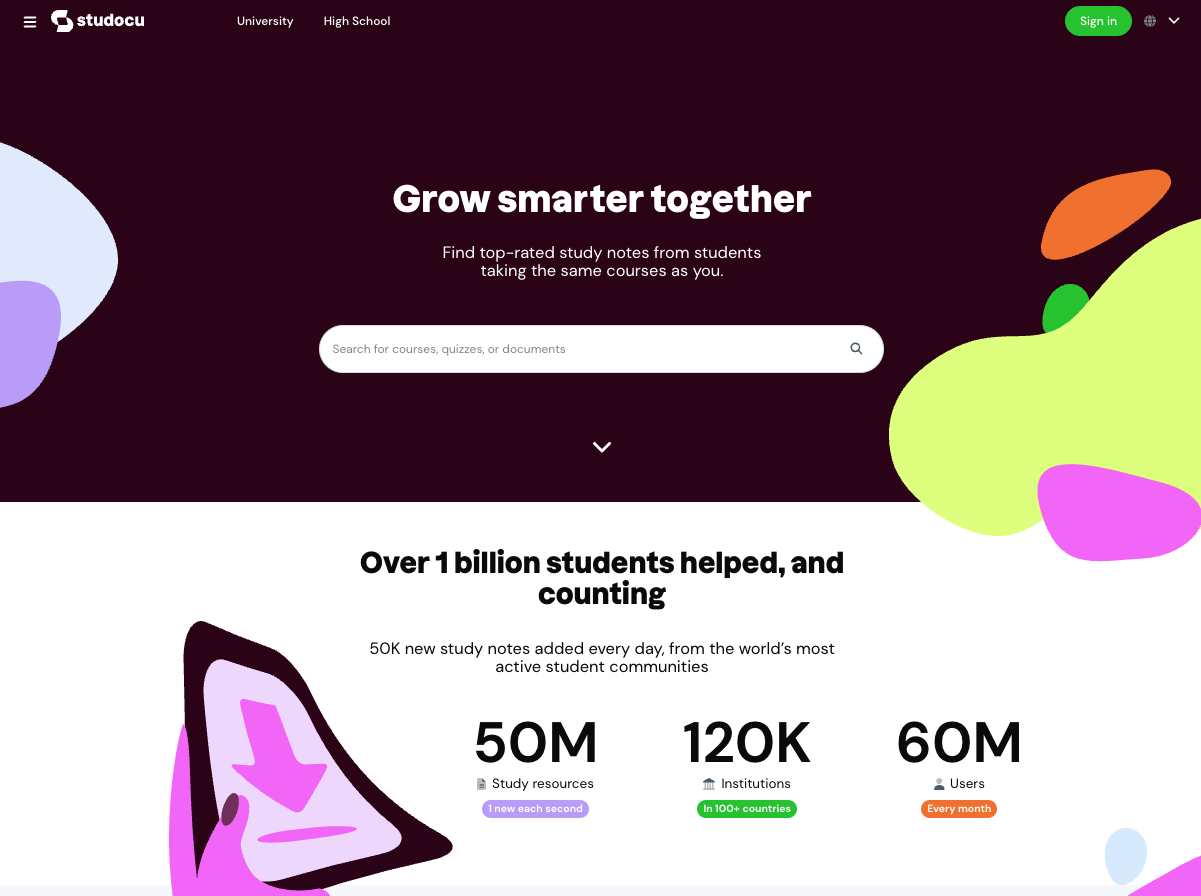
The educational platform hosts a large library of over 50 million student-shared notes and study guides. Search by your school and course code to surface materials aligned to your syllabus, not random content from the web. Open a well-rated set of notes, then use AI to create a summary, flashcards, or a quiz from that file. Community ratings can help you spot clear, accurate resources faster.
Examples of How Students Use These Tools
- High school student preparing for the SAT: Upload one chapter from your prep book and get a summary and a short quiz. Study one idea at a time instead of feeling overwhelmed by the entire book.
- Busy university student juggling labs and papers: Auto-create a study guide from your class notes. Spend the saved time on practice problems and concepts you find hard.
- Student who learns by listening: Turn key points into an audio lesson and listen while you review. Switch between text, audio, flashcards, and quizzes to match how you learn best.
A Simple 7-Day Study Plan
- Day 1 – Organize: Upload your latest notes and create a summary. Skim it to spot the main topics, list your weak areas, and make a short plan for the week.
- Day 2 – Build memory: Turn the notes into flashcards and do two quick rounds, mark the cards you miss, and schedule them to repeat.
- Day 3 – Test yourself: Generate a quiz from the same notes, take it to review gaps using your summary, and add new flashcards for ideas you missed.
- Day 4 – Mix formats: Create an audio lesson and listen once during a commute or walk. Finish with a brief flashcard round to reinforce key terms.
- Day 5 – Fix the hard parts: Use Ask AI on one tough topic and get a short explanation and a worked example, then practice for 20 focused minutes.
- Day 6 – Check progress: Make a fresh quiz covering the week’s material. Write three sentences explaining each tough concept as if you’re teaching a friend.
- Day 7 – Light review: Revisit only weak spots and end with five minutes of flashcards to keep recall sharp.
Tips to Get Better Results
- Work in smaller chunks: Upload one chapter or unit at a time for sharper summaries and more targeted quizzes.
- Name files clearly: Use course, unit, and date so you can find things fast later.
- Close the loop: After every quiz, fix mistakes and add new flashcards for missed concepts.
- Study together: Share plans, compare decks, and teach each other. Learning is stronger in a community.
Build Skills That Last
Use AI as your personal tutor to quiz yourself, clarify tough concepts, or summarize long documents. But remember, the goal is to build your knowledge. Submitting AI-generated work or another student’s notes as your own undermines that goal. Use these tools to learn with integrity.
Frequently Asked Questions
Q1. How do AI study tools save time during exam prep?
A: Upload your notes once and generate summaries, flashcards, quizzes, and audio in seconds. You skip hours of manual setup and move straight into active learning, which helps you remember more in less time.
Q2. Can I find materials for my specific classes?
A: Yes, search the Studocu library by school name and course code to find notes aligned with your syllabus. Open a helpful file and turn it into personalized study tools with AI.
Q3. Are these AI tools free to use?
A: Yes, all core tools, like AI Summaries, AI Quizzes, Flashcards, Ask AI, and the AI Workspace, are available for free. The premium subscription unlocks the most popular content and allows downloading.
Q4. Is using AI for studying considered cheating?
A: Using AI to learn is fine, while submitting AI-generated work or other students’ notes as your own is not. Always follow your instructor’s policies and use AI to support your understanding, not to copy.
