

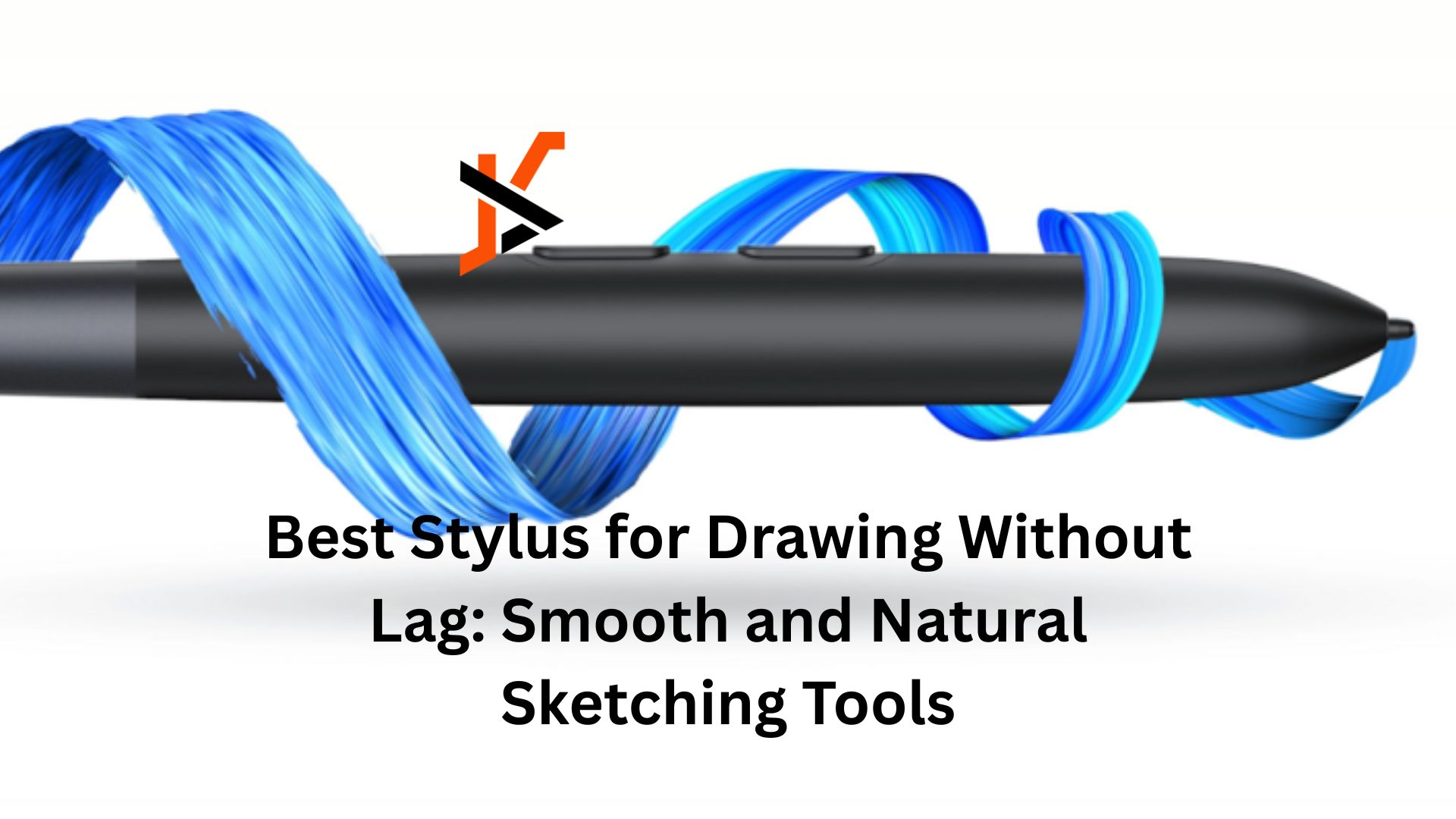
Digital art is no longer a side hobby reserved for a small community. It’s now a serious field used by professionals, students, and creators across the world. From illustration and animation to design and photo editing, digital artists rely heavily on one critical tool: the stylus. And above all else, they want it to respond instantly.
Even the smallest delay can pull you out of the moment. That’s why so many artists are searching for the best stylus for drawing without lag—a tool that feels as immediate and natural as pen on paper.
In this guide, we’ll break down why stylus lag matters, what features actually reduce it, and how the XPPen X4 Smart Chip Stylus delivers one of the smoothest drawing experiences available today.
Why Lag Is a Big Problem for Artists
Stylus lag happens when there’s a noticeable delay between your hand movement and the line appearing on the screen. On paper, ink flows instantly. When that instant feedback disappears, so does the rhythm of drawing.
Lag affects artists in several ways:
- It interrupts flow, making sketching feel stiff and unnatural
- It hurts precision, especially during fast or detailed strokes
- It slows down workflow and increases frustration over time
When a stylus keeps up with your hand in real time, drawing feels intuitive again. Your focus stays on the idea, not the tool.
What Actually Makes a Stylus Feel Lag-Free
Not all styluses are created equal. If you’re trying to avoid lag, these are the features that matter most:
- Fast signal processing so strokes appear immediately
- High pressure sensitivity for smooth control over line weight
- Low activation force to capture light touches without effort
- A stable pen tip that doesn’t wobble or shake
- Comfortable, practical design for long drawing sessions
When these elements work together, the stylus stops feeling like hardware and starts feeling like a natural extension of your hand.
A Closer Look at the XPPen X4 Smart Chip Stylus
The XPPen X4 Smart Chip Stylus was built specifically to address lag and control issues that artists deal with daily. It’s a major step forward from earlier generations and focuses heavily on speed, accuracy, and stability.
Here’s what sets it apart.
1. Faster Processing for Smoother Drawing
At the center of the stylus is the new X4 smart chip. This upgraded chip processes input more efficiently, allowing strokes to appear almost instantly. Whether you’re sketching quickly or laying down long, fluid lines, the stylus keeps pace without hesitation.
For artists who work fast or rely on expressive strokes, the difference is easy to feel.
2. Near-Instant Response with Light Touch Detection
Compared to the previous generation, the X4 chip delivers up to 50% faster response. Testing shows latency dropping from around 70 milliseconds to roughly 30 milliseconds, making delays virtually invisible during real-world use.
The stylus also activates with just 2 grams of pressure. That means even feather-light strokes register clearly, which is ideal for soft shading, fine details, and early sketch layers.
3. 16K Pressure Levels for Better Control
With 16,384 pressure levels, the X4 stylus offers extremely fine control over line thickness and opacity. Light pressure creates thin, subtle lines, while heavier pressure produces bold strokes without sudden jumps.
This level of sensitivity is especially useful for illustration, concept art, and any work that depends on expressive line variation.
4. Improved Stability for Cleaner Lines
Unstable pen tips can cause shaky or uneven strokes, even when your hand is steady. The X4 addresses this with a redesigned tip:
- A bullet-shaped nib improves balance and control
- Reduced tip travel (down to 0.3 mm) minimizes wobble
The result is smoother, more predictable lines, especially during slow or precise movements.
5. Magnetic Attachment for Everyday Convenience
The X4 is the first magnetic stylus designed for compatible XPPen displays. It snaps securely to the top of the tablet, keeping it within reach and reducing the risk of misplacing it.
It’s a small feature, but one that makes daily use more convenient and organized.
Why the XPPen X4 Is a Strong Choice for Lag-Free Drawing
When everything is taken together, the X4 Smart Chip Stylus stands out for a few clear reasons:
- Faster response that removes noticeable lag
- Extremely high pressure sensitivity for detailed control
- Light activation force for effortless sketching
- Stable tip design for smooth, clean lines
- Thoughtful details like magnetic storage
Instead of forcing artists to adapt to the tool, it adapts to how artists naturally work.
Final Thoughts
A stylus isn’t just an accessory—it’s the bridge between your ideas and the screen. If you’re searching for the best stylus for drawing without lag, the XPPen X4 Smart Chip Stylus offers a responsive, precise, and comfortable drawing experience that feels close to traditional media.
Whether you’re a professional illustrator, a student learning digital techniques, or someone who simply enjoys sketching in their free time, the X4 removes many of the common frustrations that slow artists down.
When your strokes appear exactly when and how you intend, drawing becomes effortless again. And that’s when creativity really flows.
