

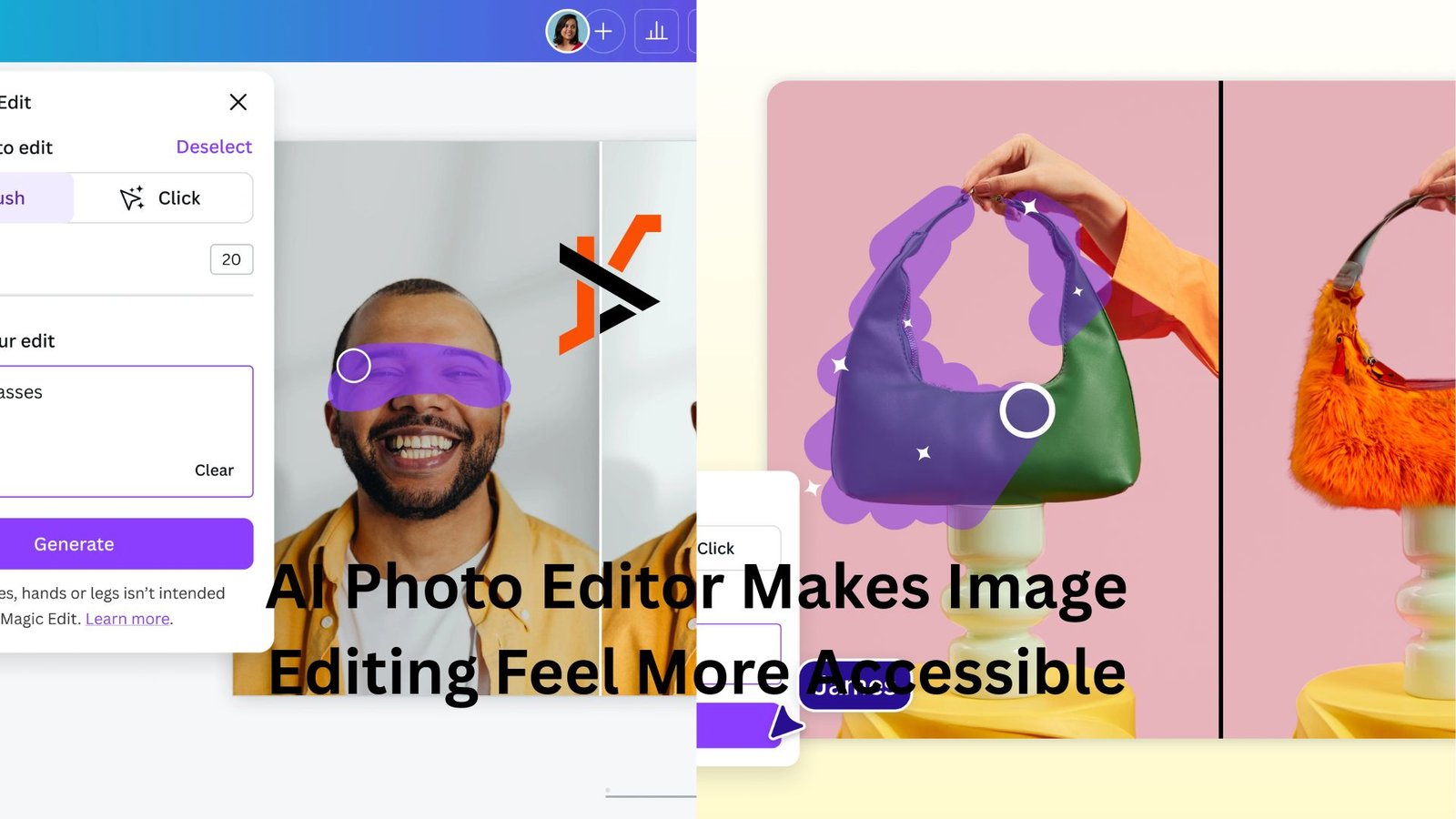
Many people have useful photos that are almost right, but not quite ready to publish. A product image may need a cleaner background, a portrait may need a softer mood, or a social post may need a more polished visual style before it feels usable. AI Photo Editor gives creators a practical way to start from an existing image and reshape it with prompts, rather than building every visual from scratch or learning complex editing software first.
This matters because modern visual work is no longer limited to professional designers. Small business owners, content creators, marketers, educators, and everyday users all need better images more often than before. The challenge is that traditional editing can be slow, while pure text-to-image generation may drift too far from the original idea. An image-first editing workflow sits in the middle: it keeps the uploaded image as a reference, then uses AI to explore changes in style, background, lighting, and overall presentation.
Why Image-Based Editing Fits Real Creative Work
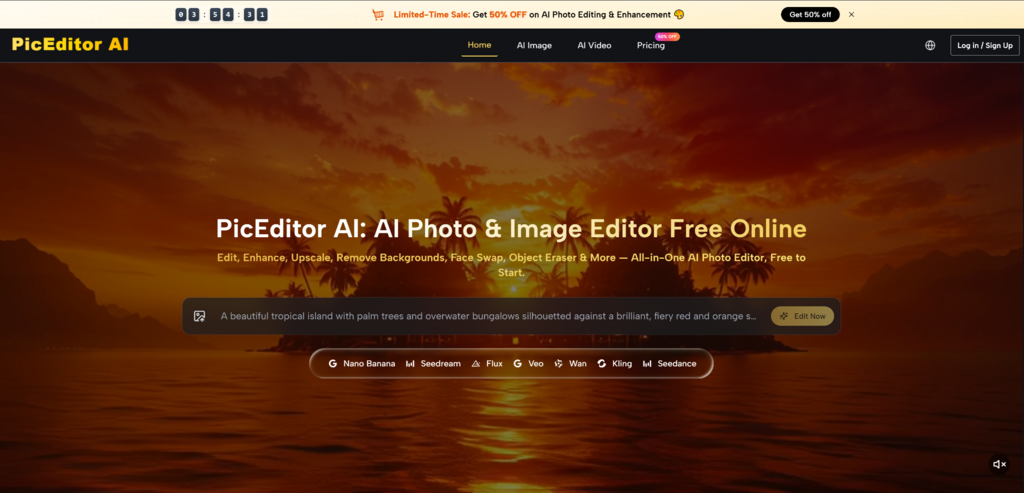
The most useful part of this kind of editing is that it begins with a real image. Instead of describing everything through text, users can upload a source photo and let the AI understand the visual context. This makes the process feel more grounded, especially when the subject, product, person, or composition already exists.
For many practical projects, the goal is not to invent something completely new. The goal is to improve what is already there. A creator may want a cleaner version of a profile photo. A shop owner may want a more attractive product scene. A marketer may want several campaign-style variations from one original image. In these situations, the uploaded picture gives the model a useful starting point.
The Original Photo Becomes A Creative Anchor
The source image helps guide the editing direction. It gives the system information about the subject, structure, and visual relationship inside the image.
Clear Images Usually Create Better Results
A strong source image usually leads to a more useful output. If the subject is visible, the lighting is understandable, and the composition is not too crowded, the model has a better foundation to work from.
It doesn’t imply that every result will be flawless. AI image editing still depends on prompt quality, model behavior, and the complexity of the requested change. But in my testing, starting with a clear reference image often makes the result feel more controlled than asking a model to create everything from text alone.
How The Official Editing Workflow Works
The workflow is intentionally simple. Users upload an image, describe the transformation they want, select a suitable AI model, and generate a new version. This keeps the process approachable for beginners while still giving more experienced creators room to experiment.
The key is that each step has a practical role. The uploaded image provides context, the prompt gives direction, the model affects the result, and the generated output gives users something to review, compare, or refine.
Step One Upload The Source Photo
The process begins with choosing the image that needs to be transformed. This image serves as the visual foundation for the generation.
The Upload Defines The Editing Starting Point
The source photo should show the most important subject clearly. For a product, that may mean a visible shape and clean outline. For a portrait, it may mean a clear face and natural pose. For a creative concept, it may mean a composition that already communicates the basic idea.
Users should not expect AI to fully repair every problem in a weak source image. A blurry, dark, or cluttered photo may still produce interesting results, but it may require more attempts.
Step Two Describe The Desired Change
After uploading the image, users write a prompt that explains what should be changed. This is where the creative intention becomes clear.
Specific Prompts Give Better Direction
A useful prompt should explain the intended result in plain language. Instead of saying “make it better,” users can describe a clean studio background, a softer portrait mood, a realistic advertising style, or a more cinematic atmosphere.
A practical prompt can include:
- What should stay recognizable
- What background or style should change
- What mood or lighting is preferred
- What the final image will be used for
Step Three Choose A Suitable Model
The platform offers multiple AI models, which gives users flexibility for different creative needs. Model choice matters because different models may behave differently with realism, style, detail, and image transformation.
The Model Should Match The Task
Some tasks may need a more realistic look, while others may benefit from a more stylized or experimental result. A product image may need cleaner structure. A portrait may need a softer tone. A social media visual may need stronger mood and more visual impact.
This makes model selection part of the creative process. Users can test different results and decide which model feels closer to the project goal.
Step Four Generate And Refine Results
Once the image, prompt, and model are ready, users generate the edited image. The result can then be reviewed and improved if needed.
Iteration Makes The Workflow More Reliable
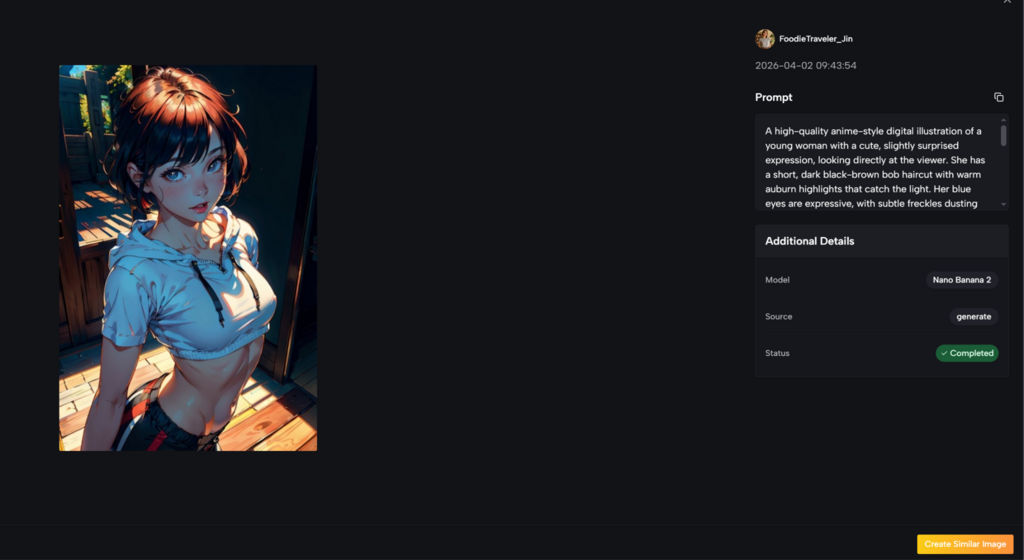
The first result is not always the final answer. Sometimes the background is close but the lighting needs adjustment. Sometimes the style is attractive but the subject changes too much. Sometimes the image looks good at first glance but needs detail checking.
A realistic workflow is to generate, review, adjust the prompt, and generate again. This makes the process more dependable and prevents users from expecting effortless perfection.
Where The Tool Feels Most Useful
This editing approach is especially helpful when users need fast visual variations from an existing image. It can support product presentation, social media content, portrait styling, campaign drafts, and early visual exploration.
The value is not only speed. It is also the ability to test different directions before committing to one. A user can see whether an image works better as a minimal product shot, a lifestyle scene, a cinematic visual, or a colorful social post.
Product Images Can Be Tested Faster
Product visuals often require different styles for different channels. One image may need to work for a store page, ad creative, social post, and promotional banner.
Early Visual Decisions Become Easier
A small business can upload a product photo and test different backgrounds or moods before arranging a full photoshoot or manual design process. This can help users understand which direction feels more suitable.
However, product details should still be checked carefully. Logos, labels, shapes, and text may need review. AI can support exploration, but final commercial accuracy still matters.
Portraits Can Shift Mood And Style
Portrait editing is another natural use case. Users may want a softer look, a professional profile style, a more editorial mood, or a different visual atmosphere.
Identity And Detail Need Careful Review
AI can create polished portrait variations, but users should inspect facial details, hands, hair, and background consistency. If the request is very specific, several generations may be needed. As an AI Image Editor, the tool is useful for exploring and refining portrait directions, but it still benefits from careful human review.
This is why the tool is best understood as a creative assistant. It can help users explore stronger visual directions, but the final judgment should remain human.
A Practical Comparison For Everyday Editing
The platform becomes easier to understand when compared with common editing methods. It does not need to replace every professional tool. Its value is strongest when users want faster, easier image transformation from an existing photo.
| Editing Need | AI-Based Photo Workflow | Manual Editing Software | Text-Only Image Generation |
| Starting from a real photo | Strong fit because the image guides results | Strong fit but requires skill | Less reliable for preserving the source |
| Background transformation | Fast for testing visual directions | Precise but slower | Possible, but less anchored |
| Product visual exploration | Useful for early concepts | Best for final accuracy | Can change product details |
| Portrait style changes | Useful for mood and style testing | More controlled with expertise | May drift from the person |
| Beginner accessibility | Easy to start | Higher learning curve | Easy, but harder to control |
| Final commercial polish | May need review and refinement | Strongest for detail control | Usually needs extra editing |
This comparison shows the tool’s practical role. It helps users move quickly from an existing image to several possible versions. For final precision, manual editing may still be needed, but AI can make the exploration stage much faster.
Why The Experience Feels More Credible
A believable AI editing workflow should not claim that every image becomes perfect instantly. Results can vary based on the original photo, prompt clarity, selected model, and the complexity of the request. Some outputs may look ready quickly, while others may need several attempts.
This honest expectation makes the tool more useful. It encourages users to guide the AI thoughtfully instead of relying on one vague prompt. It also helps users understand that the best results usually come from clear direction and careful review.
Prompt Quality Has A Visible Impact
The prompt is not just a small detail. It often determines whether the result feels random or purposeful.
Better Instructions Create Better Visual Outcomes
A good prompt explains the image’s purpose. For example, a product image for an online store should not be prompted the same way as a cinematic poster. A portrait for a professional profile should not use the same direction as a fantasy artwork request.
For broader industry context, generative AI tools are moving toward more controllable image and video workflows, but consistency and detail accuracy remain active challenges across the field. Neutral technology coverage from sources such as MIT Technology Review has repeatedly discussed both the progress and limitations of AI-generated media. That broader context is useful because it reminds users to treat AI output as material for review, not automatic final truth.
Why This Editing Workflow Has Long-Term Value
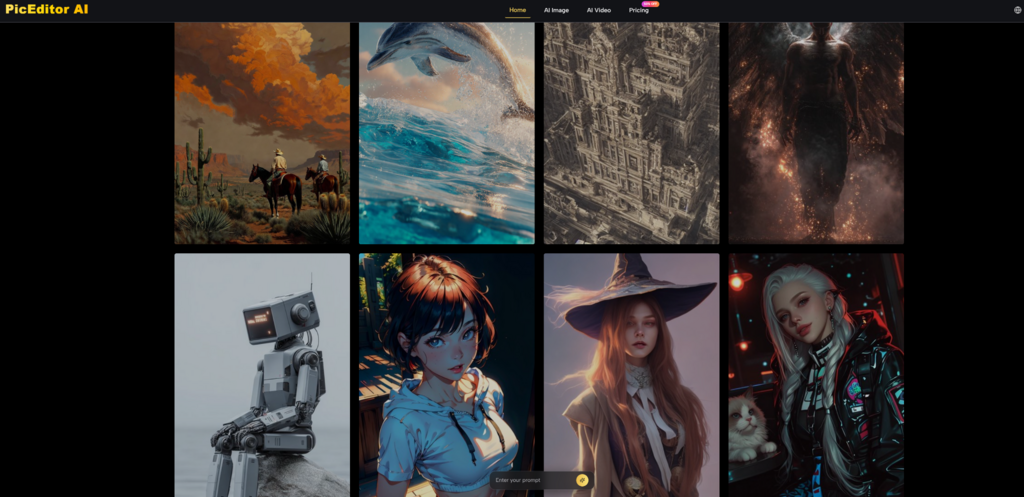
The long-term value of this platform is that it makes visual experimentation more accessible. People who do not have advanced editing skills can still test ideas, improve presentation, and create image variations from material they already have.
This does not remove the need for taste, judgment, or final review. Instead, it helps users reach a better starting point faster. For many creators and small teams, that is already meaningful.
The Best Use Is Guided Creative Exploration
The tool is strongest when users approach it with a clear goal. It can help turn a rough image into multiple visual possibilities, but the user still needs to choose the direction that fits the project.
Human Judgment Completes The Editing Process
AI can generate options, but humans decide what feels right, accurate, and ready to publish. The best workflow combines a clear source photo, a focused prompt, a suitable model, and careful review.
That balance is what makes the platform worth understanding. It is not just a shortcut for making images look different. It is a practical way to explore how one existing photo can become cleaner, more expressive, and more useful across real creative scenarios.
