

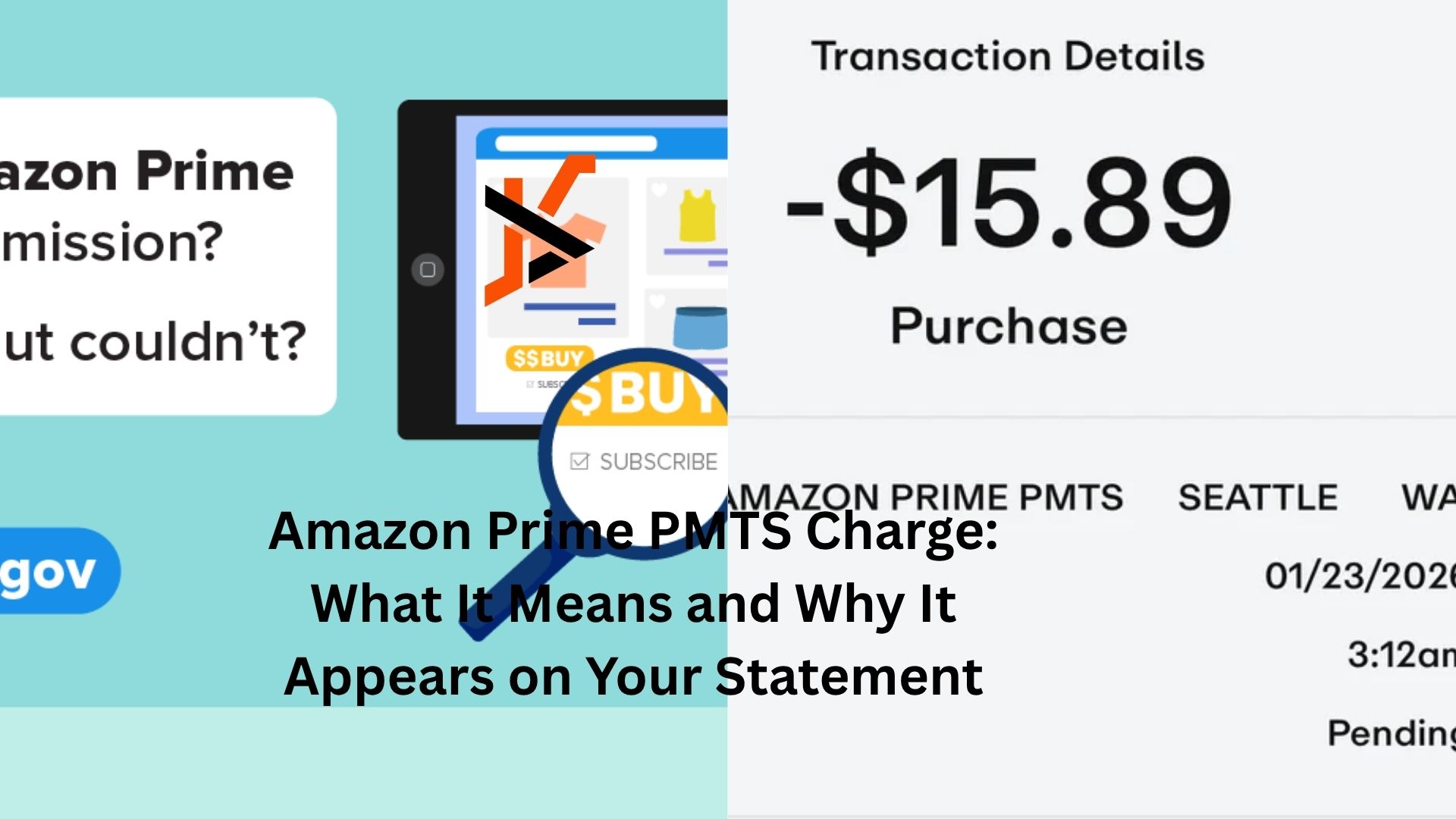
Seeing an unfamiliar charge on your bank or credit card statement can be unsettling. One of the charges that often catches people off guard is an Amazon Prime PMTS charge. You check your transactions, spot the payment, and immediately wonder whether someone used your card without permission.
The good news is that an Amazon Prime PMTS charge is often connected to a legitimate Amazon transaction. The confusing part is that the description doesn’t always clearly explain what was purchased or why the charge appeared.
If you’ve recently noticed this charge and want to understand what’s going on, here’s what you need to know.
What Is an Amazon Prime PMTS Charge?
Amazon Prime PMTS stands for Amazon Prime Payments. It’s a billing description Amazon may use when charging customers for services, subscriptions, digital purchases, or orders linked to their Amazon account.
The charge can appear on bank statements, credit card accounts, and online banking apps. Instead of showing the exact product name, the transaction may simply display something like:
- Amazon Prime PMTS
- AMZN Prime PMTS
- Amazon PMTS
- Amazon Marketplace PMTS
That broad description is what causes confusion. It doesn’t immediately tell you whether the charge came from a Prime membership renewal, a recent order, or another Amazon service.
In many cases, the charge is completely legitimate. Still, it’s worth verifying because unauthorized transactions can happen.
Why the Charge Shows Up Unexpectedly
Here’s a common scenario.
You order a few household items from Amazon during the month. A week later, a charge labeled Amazon Prime PMTS appears on your statement. Since the description doesn’t match any specific order, it feels suspicious.
The reality is that Amazon processes different types of payments through its billing system, and the bank statement description often remains generic.
Another reason people get surprised is timing. Amazon may not charge a card immediately after an order is placed. Some payments are processed when items ship rather than when they’re ordered. That delay can make it difficult to connect the charge to a purchase you made days earlier.
Family members can also create confusion.
Many households share Amazon accounts, payment methods, or Prime benefits. A spouse, child, or authorized user may make a purchase that appears under the same billing description.
The Most Common Reasons for an Amazon Prime PMTS Charge
Several Amazon-related activities can trigger this charge.
Prime Membership Renewals
One of the biggest causes is an automatic Amazon Prime renewal.
Many people sign up for Prime and forget the renewal date. Months later, the membership renews automatically, and the charge appears on the statement.
If the timing matches your monthly or annual Prime billing cycle, that’s likely the explanation.
Amazon Purchases
Physical products ordered through Amazon can also appear as Amazon Prime PMTS transactions.
The amount may not match the total value of your shopping cart because Amazon often ships items separately. Each shipment can generate its own charge.
That’s why a single order worth $100 might appear as multiple smaller transactions over several days.
Digital Services
Amazon offers a long list of digital products and subscriptions.
These can include:
- Prime Video rentals
- Kindle purchases
- Amazon Music subscriptions
- Audible memberships
- App purchases
- Digital content downloads
Many users forget about trial subscriptions that later convert into paid plans. A charge that seems mysterious at first often turns out to be a subscription renewal.
Amazon Household Activity
Shared accounts create another layer of confusion.
Someone in your household may purchase a movie, rent content, order products, or subscribe to a service without mentioning it. The charge appears under the account’s payment method, and suddenly nobody remembers making the purchase.
It’s surprisingly common.
How to Verify the Charge
Before assuming fraud, take a few minutes to investigate.
Start by logging into your Amazon account and reviewing your recent orders.
Check:
- Order history
- Digital orders
- Subscription settings
- Prime membership details
- Archived orders
Many people find the answer within minutes.
If you share your account with family members, ask whether anyone recently made a purchase. Kids buying games, movies, or digital content can easily create charges that adults don’t recognize immediately.
It’s also worth checking old email confirmations. Amazon sends receipts for most transactions, and those emails often reveal exactly where the charge came from.
When the Charge Doesn’t Match Anything
Sometimes the charge genuinely doesn’t connect to any order or subscription you can find.
That’s when you should dig deeper.
Look at the transaction date and amount carefully. Compare it against every Amazon-related purchase around the same period.
If nothing matches, contact Amazon customer support directly. They can often identify the transaction using the amount, date, and last digits of the payment method.
Many customers discover that the charge belongs to a secondary account connected to their card. Others find an old subscription they forgot existed.
Support can usually clarify the source quickly.
Could It Be Fraud?
Yes, although it’s not always the first explanation.
Unauthorized Amazon charges can occur if someone gains access to your payment information or Amazon account.
A few warning signs include:
- Multiple unfamiliar charges
- Purchases you cannot locate anywhere in your account
- Charges from regions where you don’t shop
- Account activity you don’t recognize
- Security alerts from Amazon
If the charge appears suspicious after you’ve reviewed everything, treat it seriously.
Change your Amazon password immediately. Enable two-factor authentication if it’s not already active. Then contact Amazon support and your bank or credit card issuer.
Acting quickly reduces the risk of additional unauthorized transactions.
Why Small Charges Deserve Attention
People often ignore small amounts.
A charge for a few dollars doesn’t seem worth investigating. But small transactions can sometimes serve as test charges used to verify that a payment method works.
That doesn’t mean every small Amazon Prime PMTS charge is fraudulent. Most aren’t.
Still, if you can’t identify a charge, don’t dismiss it simply because the amount is low.
Review it the same way you would a larger transaction.
How to Prevent Future Confusion
The easiest solution is staying aware of your active subscriptions and account activity.
Amazon offers several tools that help.
Review subscription settings every few months. Check which services renew automatically. Look through your digital purchases and membership plans.
It’s also smart to enable transaction alerts through your bank or credit card provider. Real-time notifications make it much easier to recognize purchases while they’re fresh in your memory.
Another useful habit is keeping separate payment methods for subscriptions and everyday purchases. Some people use one card exclusively for recurring services, which makes account management much simpler.
Managing Shared Amazon Accounts
Shared accounts are convenient, but they can create billing surprises.
If multiple people use the same Amazon account, establish some basic communication. Let family members know when purchases are made. Encourage everyone to review order confirmations.
Amazon Household features can help separate certain account activities while still allowing members to share Prime benefits.
The clearer the account structure, the fewer mystery charges you’ll encounter.
Subscription Renewals Often Catch People Off Guard
Let’s be honest. Most of us don’t memorize renewal dates.
A free trial turns into a paid subscription. An annual membership renews after twelve months. A streaming add-on quietly continues billing month after month.
Amazon Prime PMTS charges frequently fall into this category.
Someone signs up for a service, enjoys it for a while, forgets about it, and then notices a charge long after the original signup date.
That’s why reviewing subscriptions a few times each year can save both money and confusion.
What to Do if You Want a Refund
If the charge comes from a service you no longer want, contact Amazon as soon as possible.
Refund eligibility depends on the specific service and how recently the charge occurred.
For example, some accidental renewals may qualify for refunds under certain circumstances. Digital purchases and subscription charges often have different policies.
The sooner you act, the better your chances of resolving the issue successfully.
Keep records of transaction dates, amounts, and any communication with customer support.
The Bottom Line
An Amazon Prime PMTS charge usually points to a legitimate Amazon-related payment, whether it’s a Prime membership renewal, a product order, a digital purchase, or a subscription service. The challenge is that the billing description often lacks enough detail to make the source obvious.
When you notice the charge, start by reviewing your Amazon account activity, recent orders, subscriptions, and household purchases. Most cases are solved quickly once you connect the transaction to a specific service or order.
If the charge still doesn’t make sense, contact Amazon and your financial institution for clarification. A few minutes of investigation can help you determine whether it’s a normal purchase, a forgotten subscription, or something that requires immediate attention.
Staying aware of account activity and subscription renewals makes these mysterious charges far less surprising the next time they appear.
